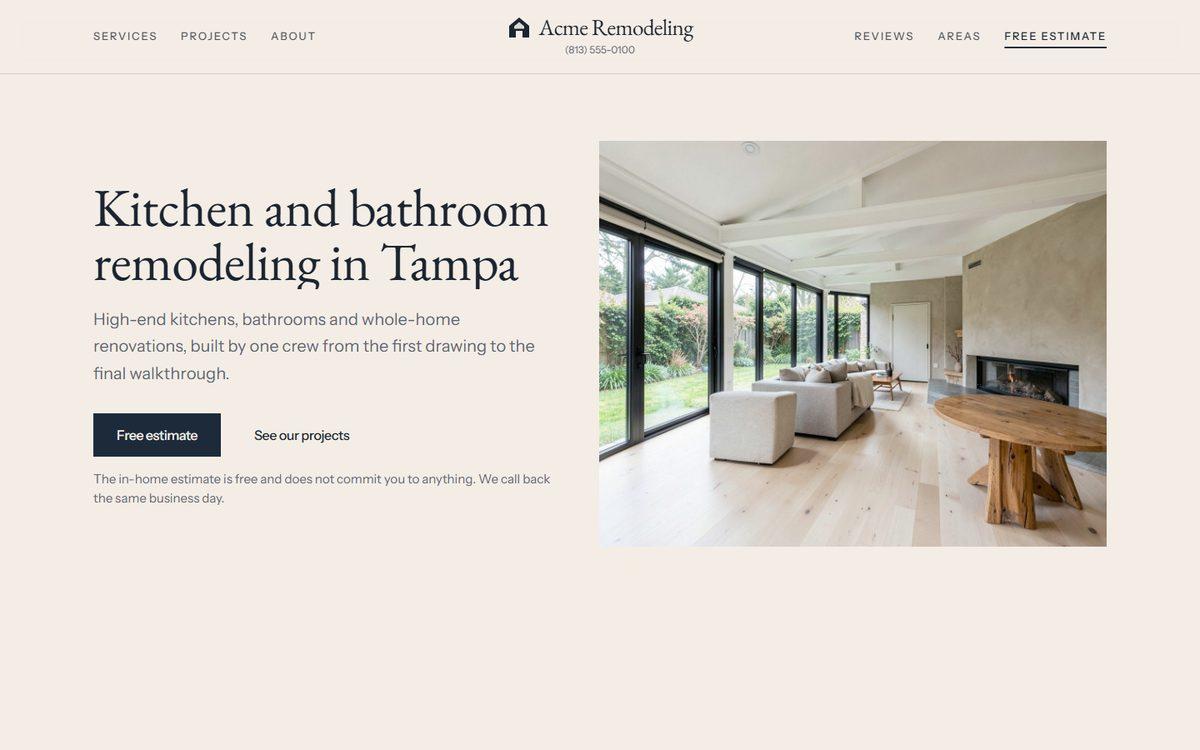
Template01
Classic
Neutral paper, near-black type and your photos carrying the colour. The calm default.
In Claude, say: “I want the Classic template.”
Templates
Every template is a complete website for a remodeling company, shown here with a fictional business. Open the preview, browse its pages on your phone and computer, and when you have a favourite, tell Claude its name. Everything in it then becomes yours: your trade, your photos, your town, your words.
Neutral paper, near-black type and your photos carrying the colour. The calm default.
In Claude, say: “I want the Classic template.”
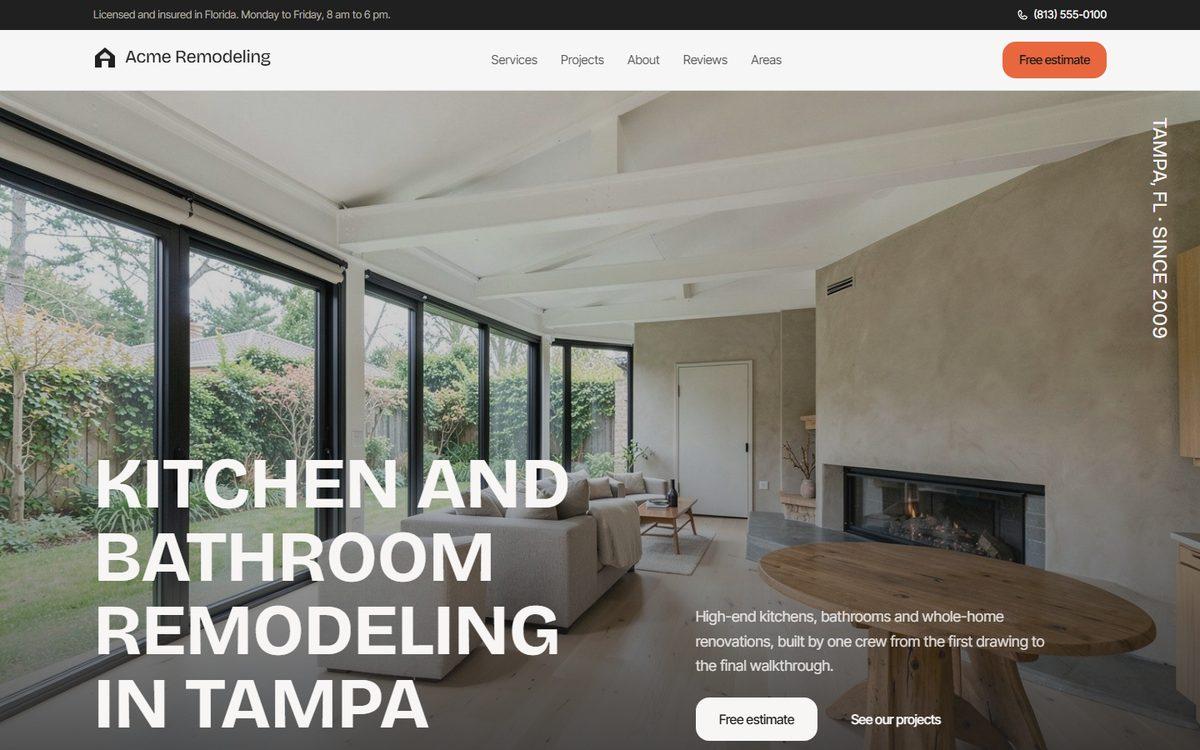
A full-screen photo that keeps growing as you scroll, bold uppercase headlines and one coral accent.
In Claude, say: “I want the Coral template.”
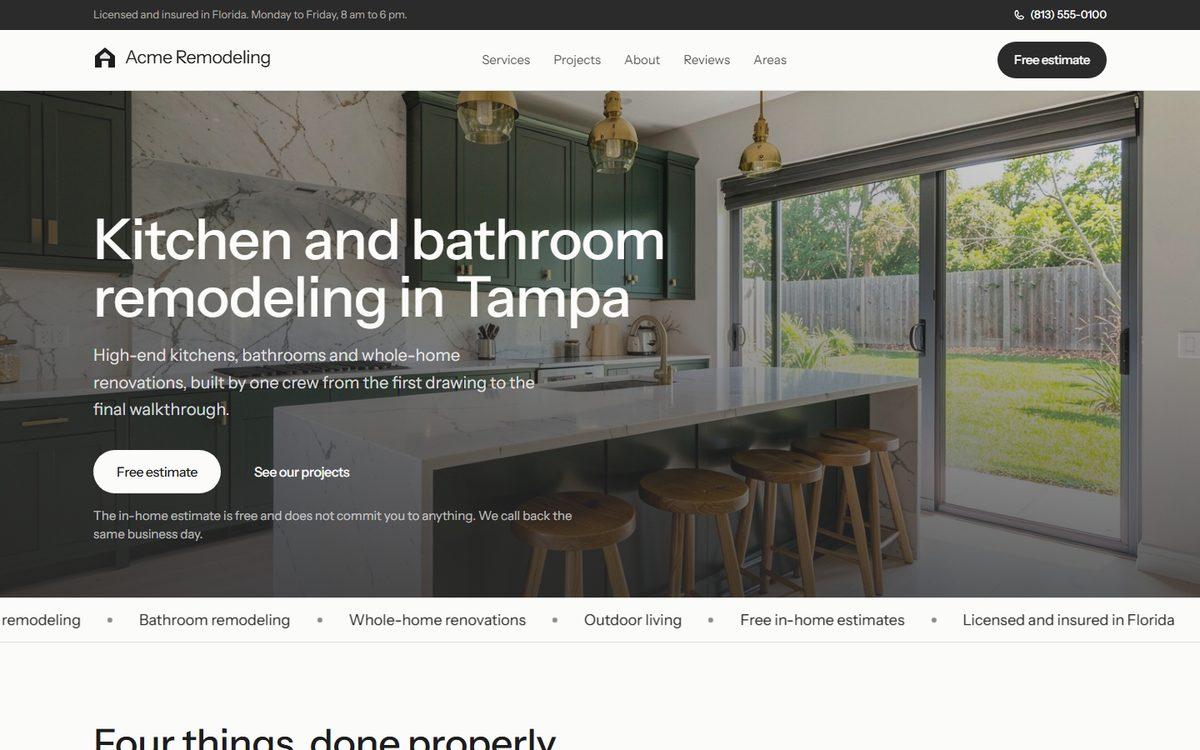
Clean white with pill buttons; your projects are a list and the photo floats beside the row under the cursor.
In Claude, say: “I want the Contractor template.”
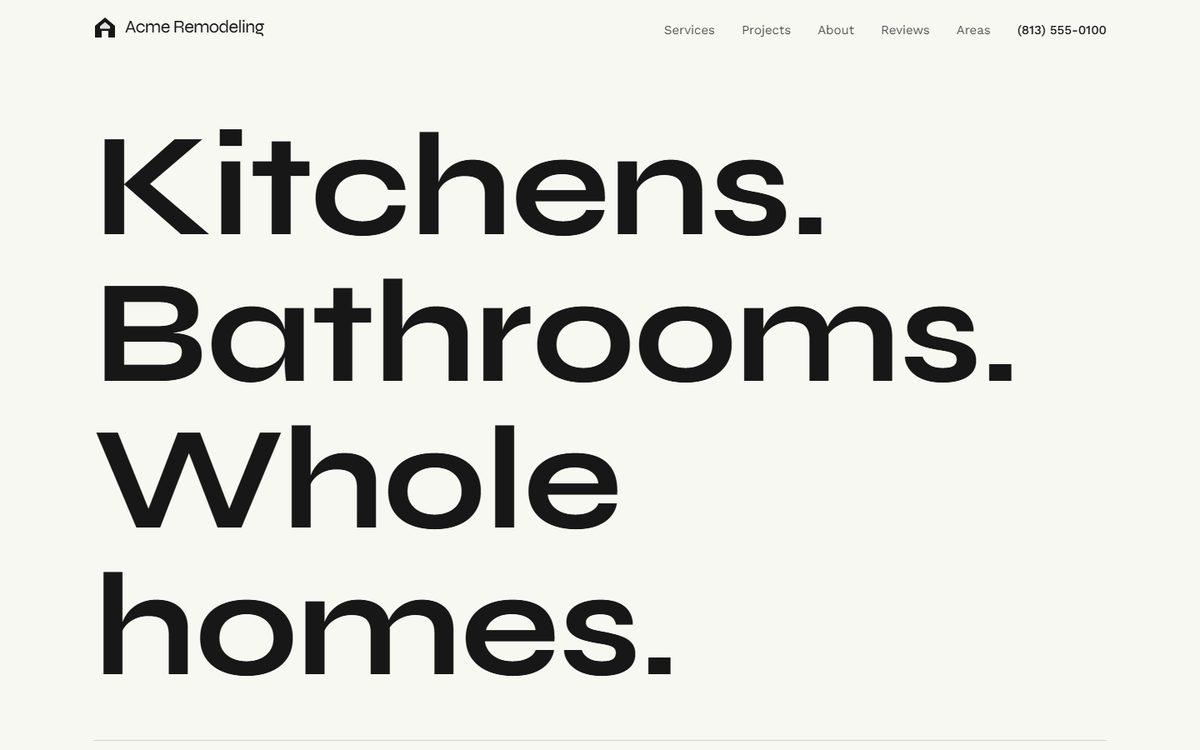
No hero photo: three huge words, then your rooms drifting at different speeds. One orange.
In Claude, say: “I want the Orange template.”
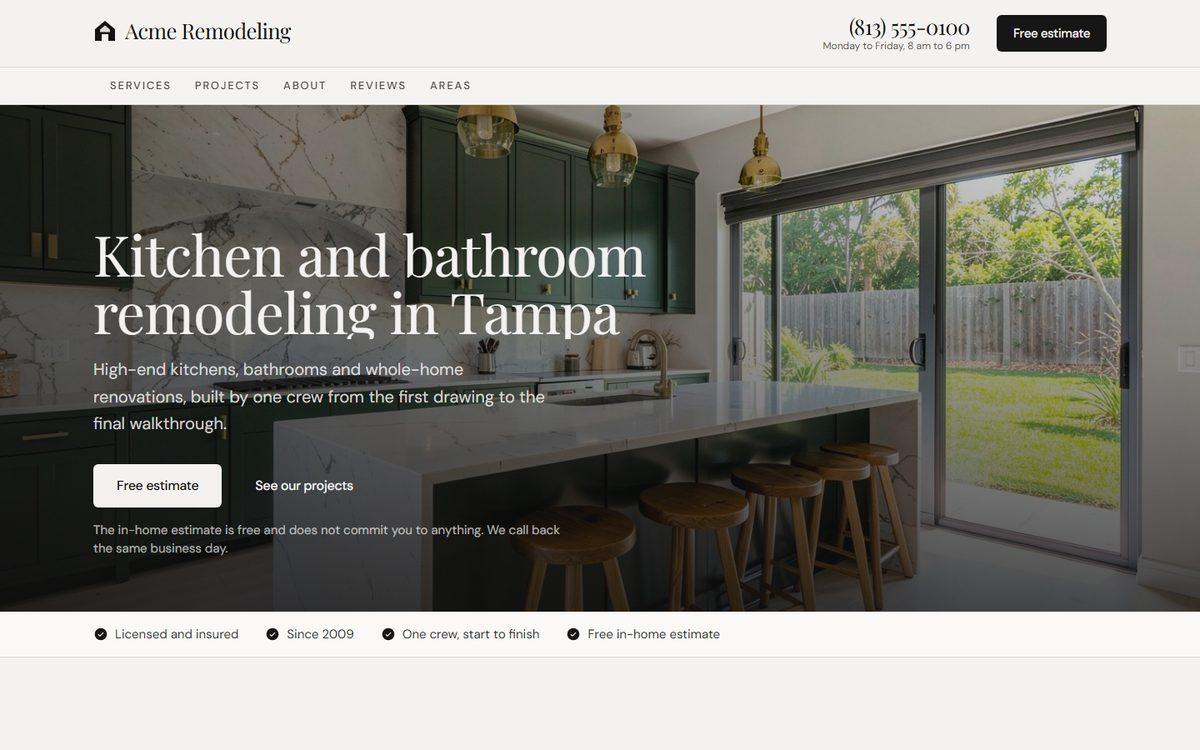
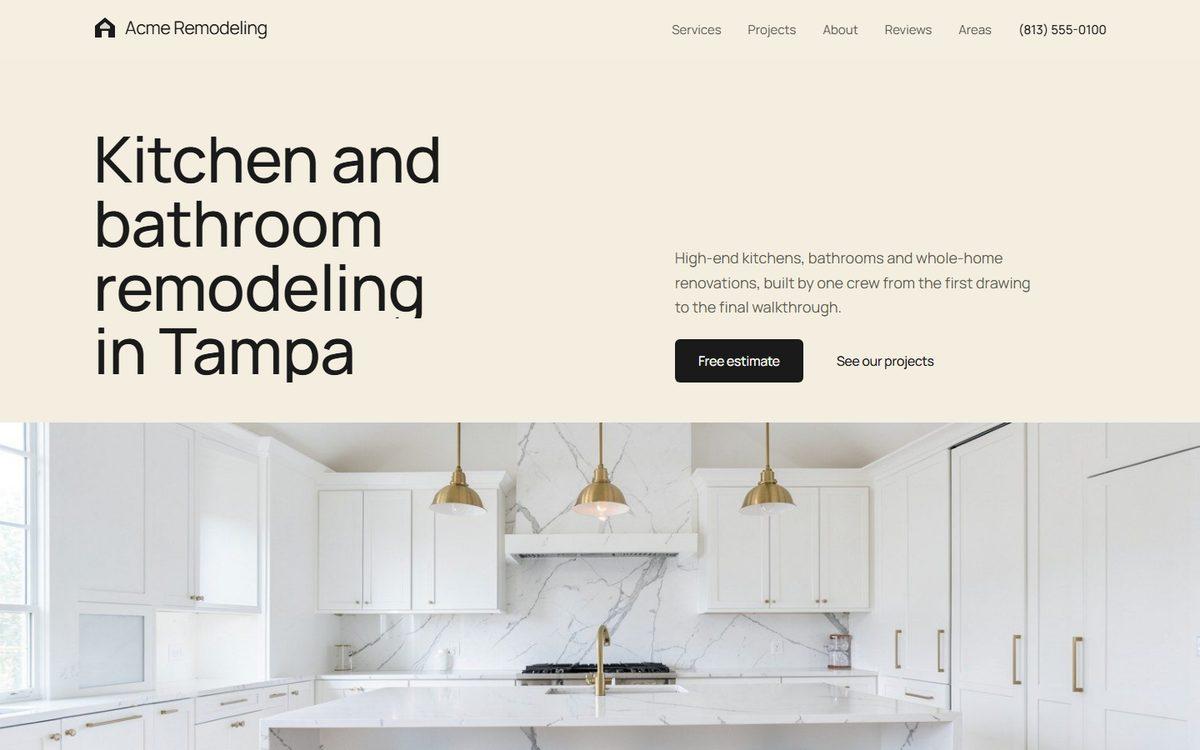
Cream paper and a headline over a full-width photo; projects travel sideways while the page holds still.
In Claude, say: “I want the Cream template.”
Deep green on bone paper with a light serif; the bathroom fills the first screen, projects pile up.
In Claude, say: “I want the Estate template.”
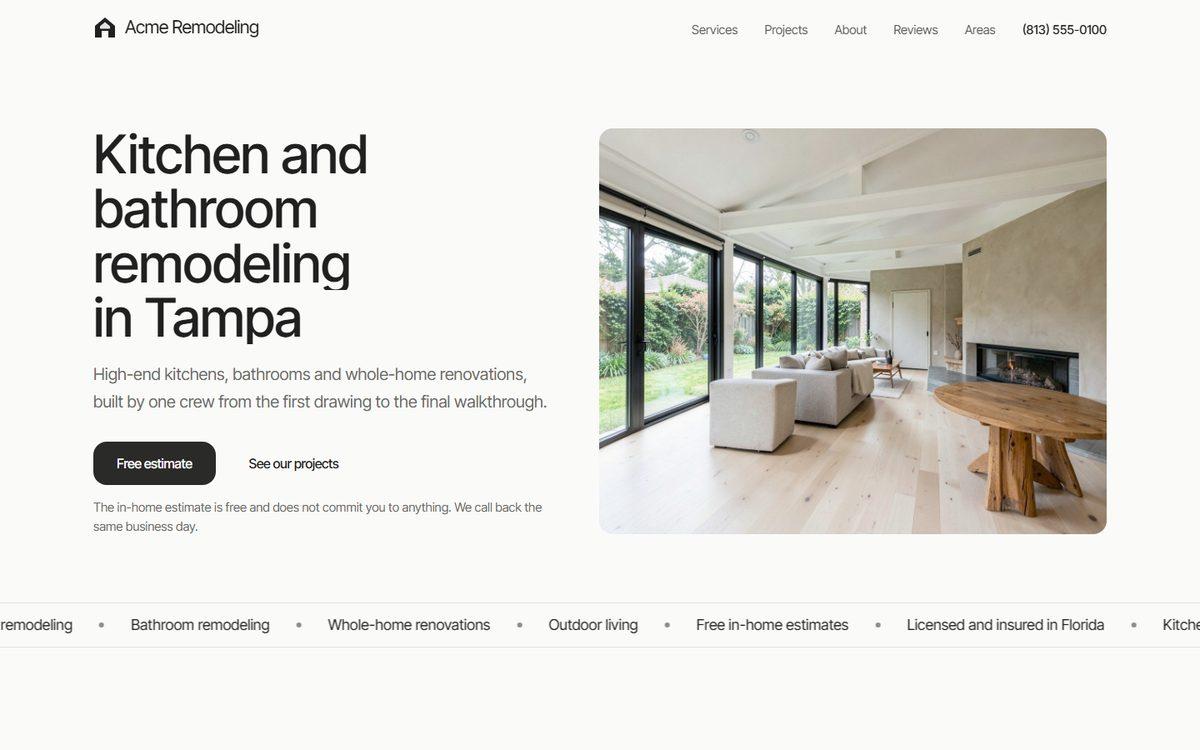
Near-white and warm greys, soft corners, photos that zoom gently; a quiet, trustworthy look.
In Claude, say: “I want the Quiet template.”
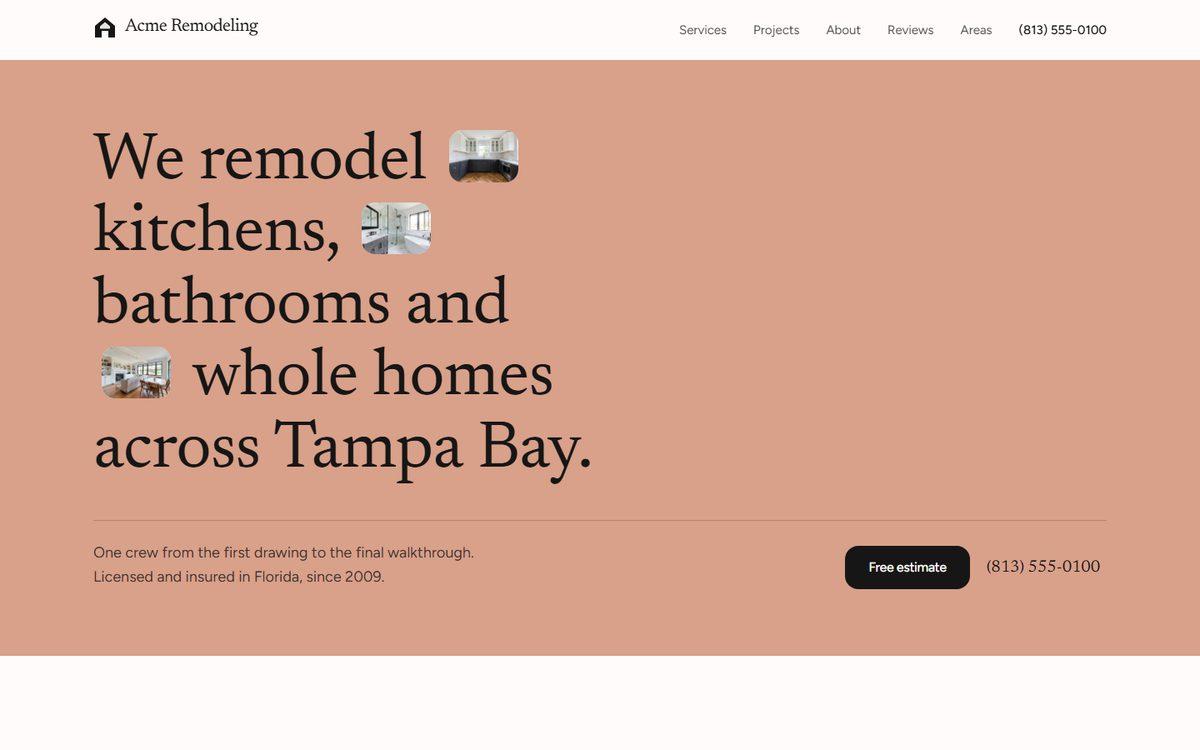
A terracotta first screen with your photos set inside the sentence, then a collage of projects.
In Claude, say: “I want the Blush template.”
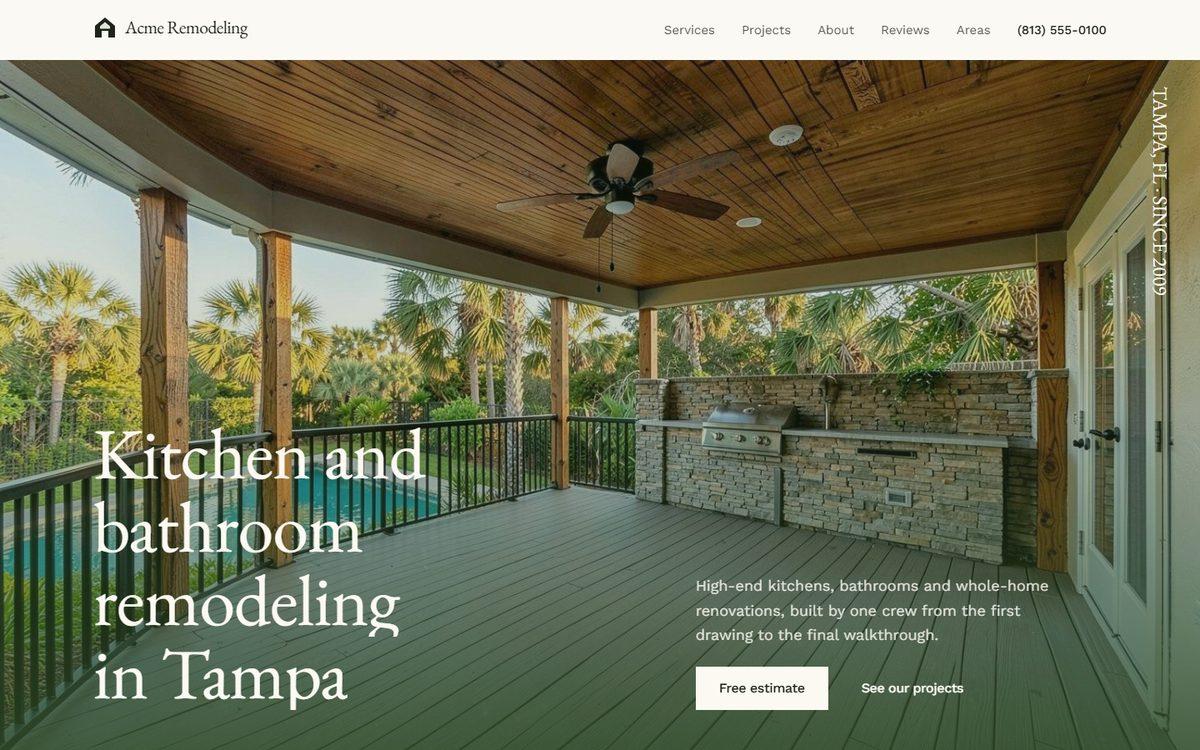
An old-style serif over the patio photo, a dark forest band for the reviews, projects in a pinned row.
In Claude, say: “I want the Forest template.”
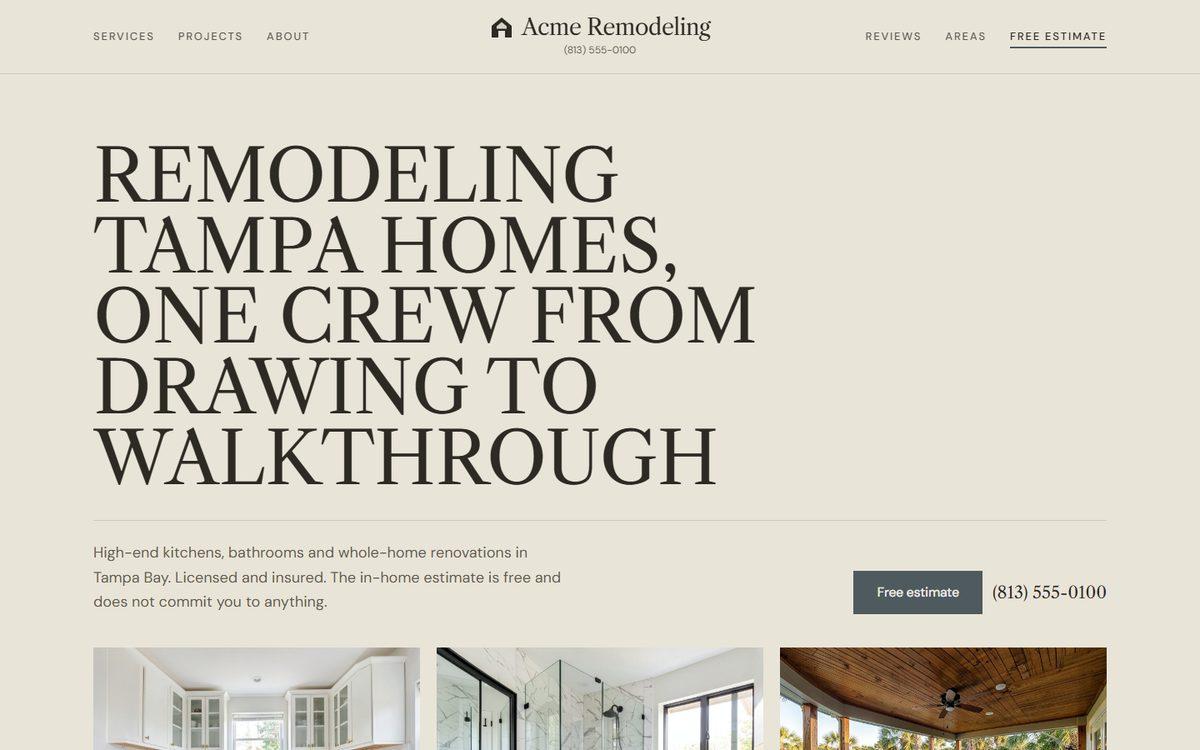
Olive and bone surfaces, uppercase serif, photos in black and white until hovered; services with a changing photo.
In Claude, say: “I want the Olive template.”
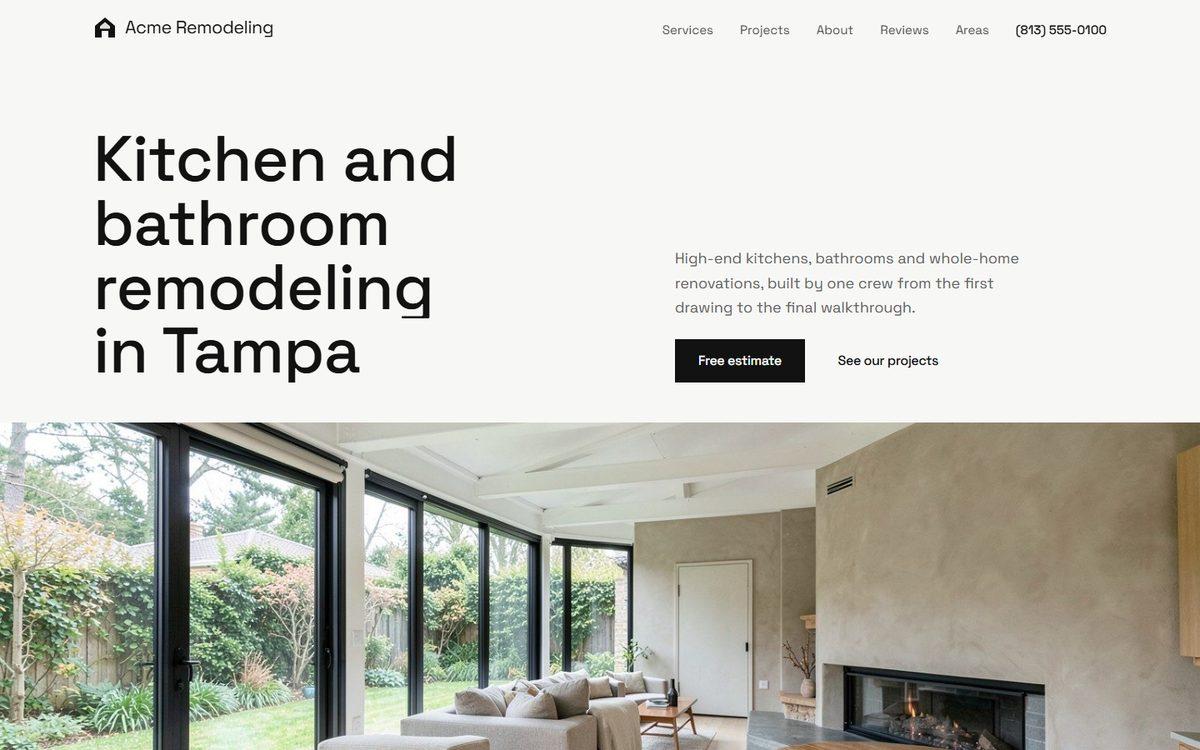
Black and white, small grotesk type, a stacked headline over the living room; the studio look.
In Claude, say: “I want the Architect template.”
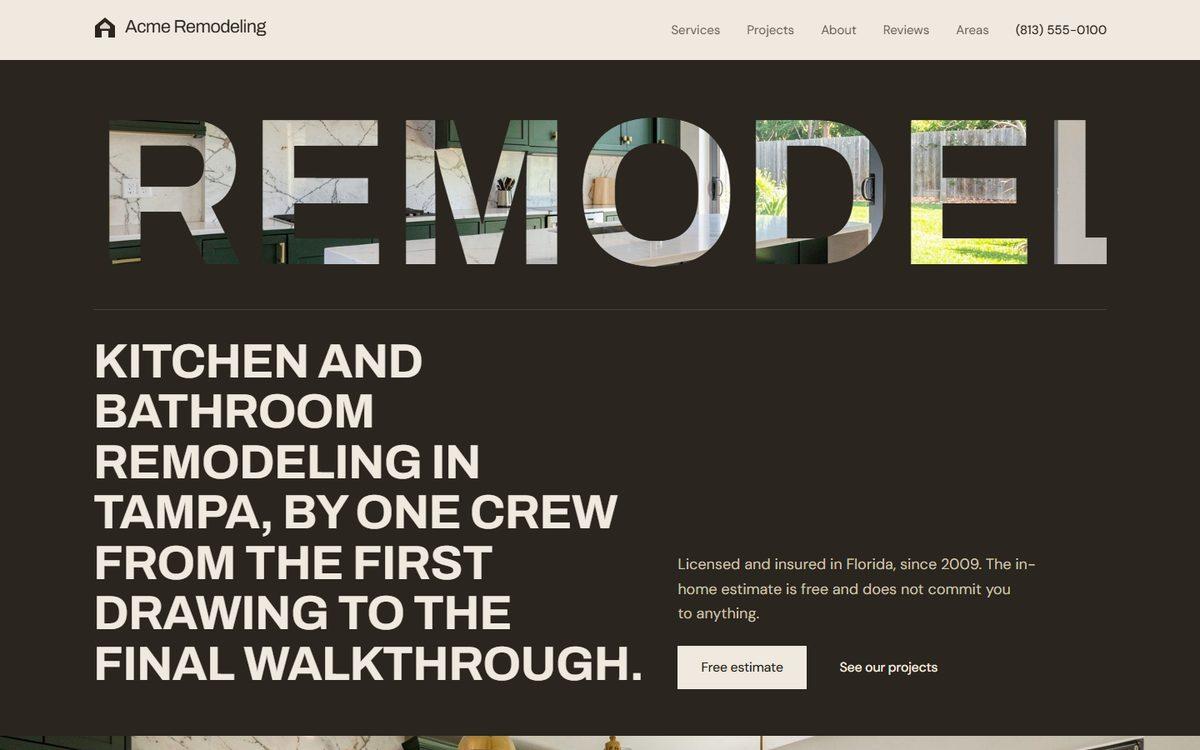
One huge word filled with your kitchen photo on a dark screen; umber tones and bold display type.
In Claude, say: “I want the Umber template.”
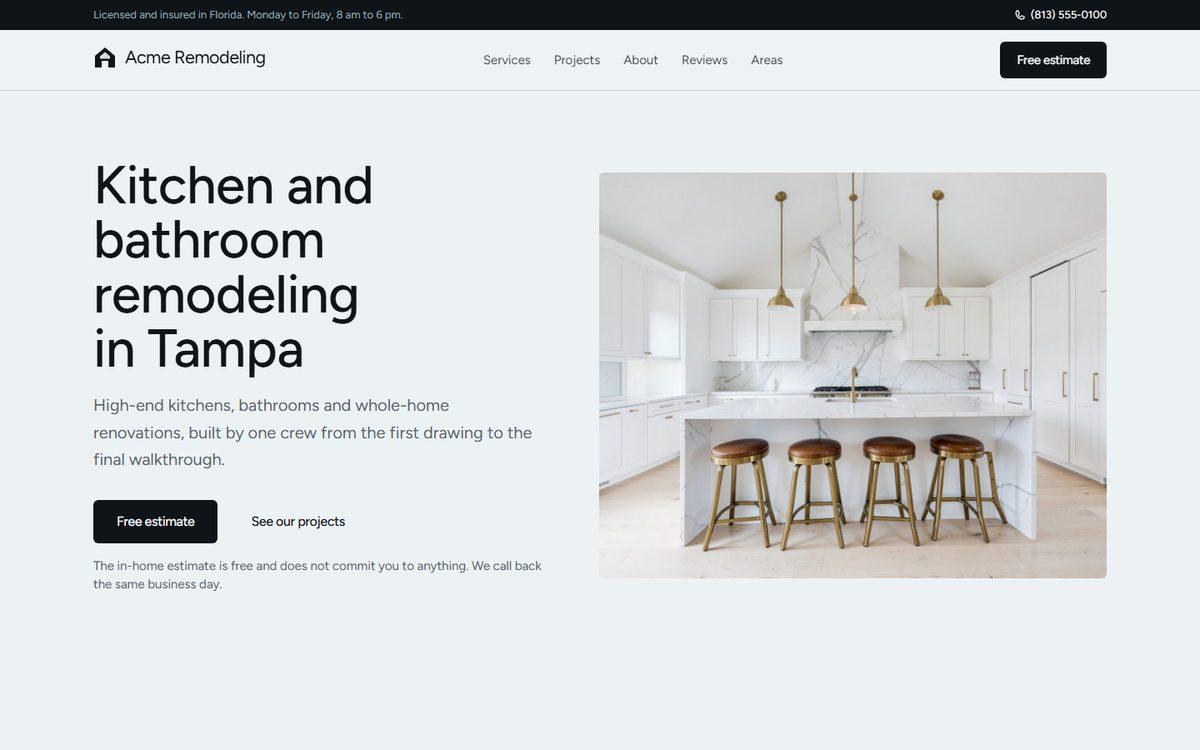
Pale blue-grey paper, a friendly sans, a drifting collage of projects and hand-drawn underlines.
In Claude, say: “I want the Harbor template.”
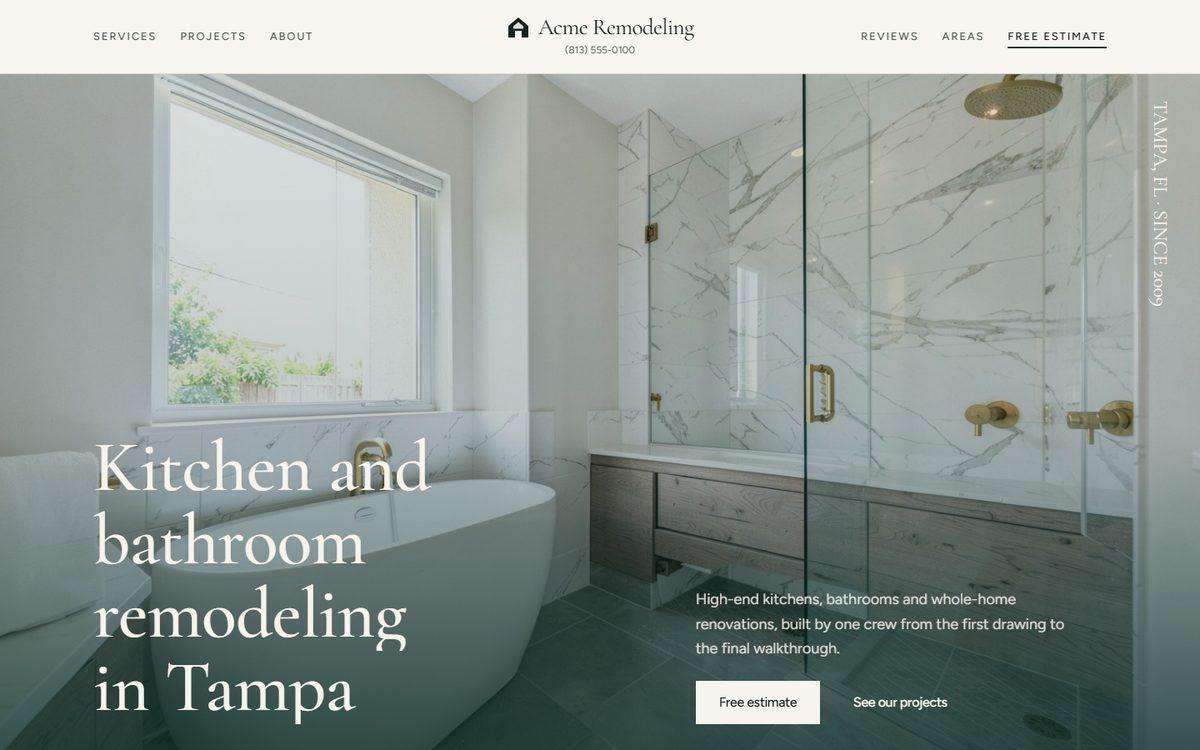
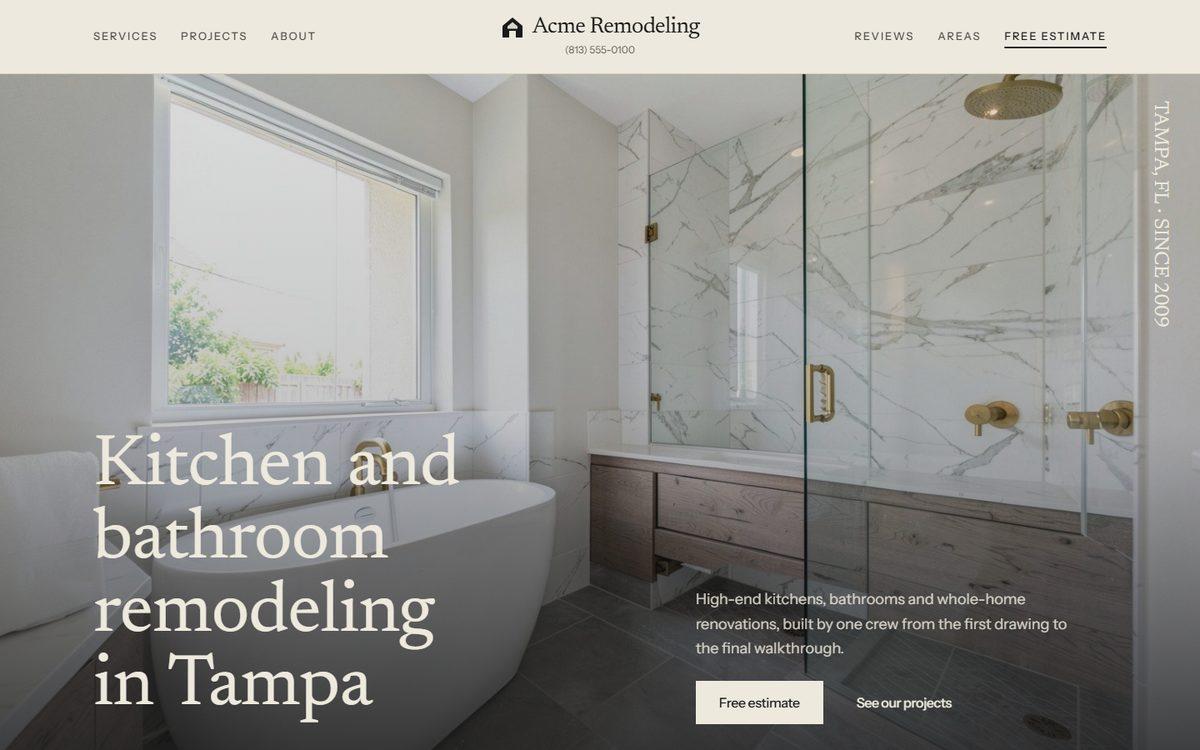
Linen paper and a light serif; the bathroom fills the first screen, then a pinned row of projects.
In Claude, say: “I want the Linen template.”
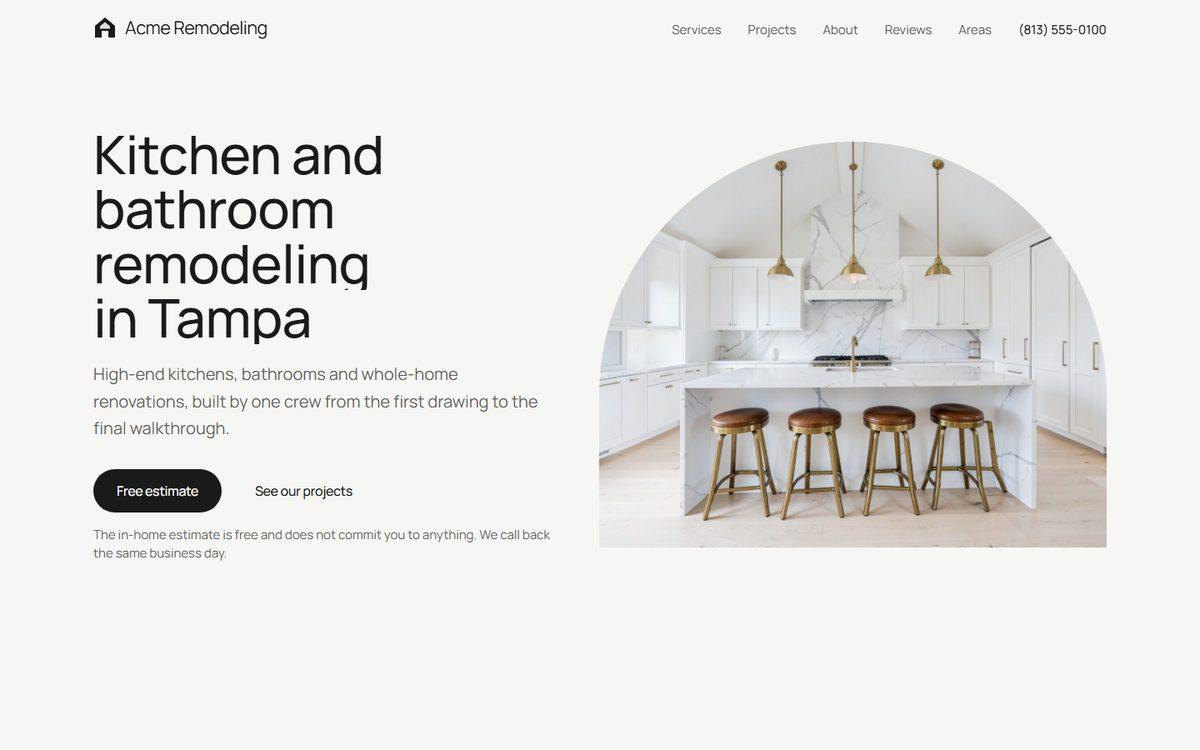
Every photo arched on top, pill buttons, off-white and black; soft and modern.
In Claude, say: “I want the Arches template.”
Off-white with a walnut brown highlight; services with a spotlight photo and one giant quote on a dark band.
In Claude, say: “I want the Walnut template.”
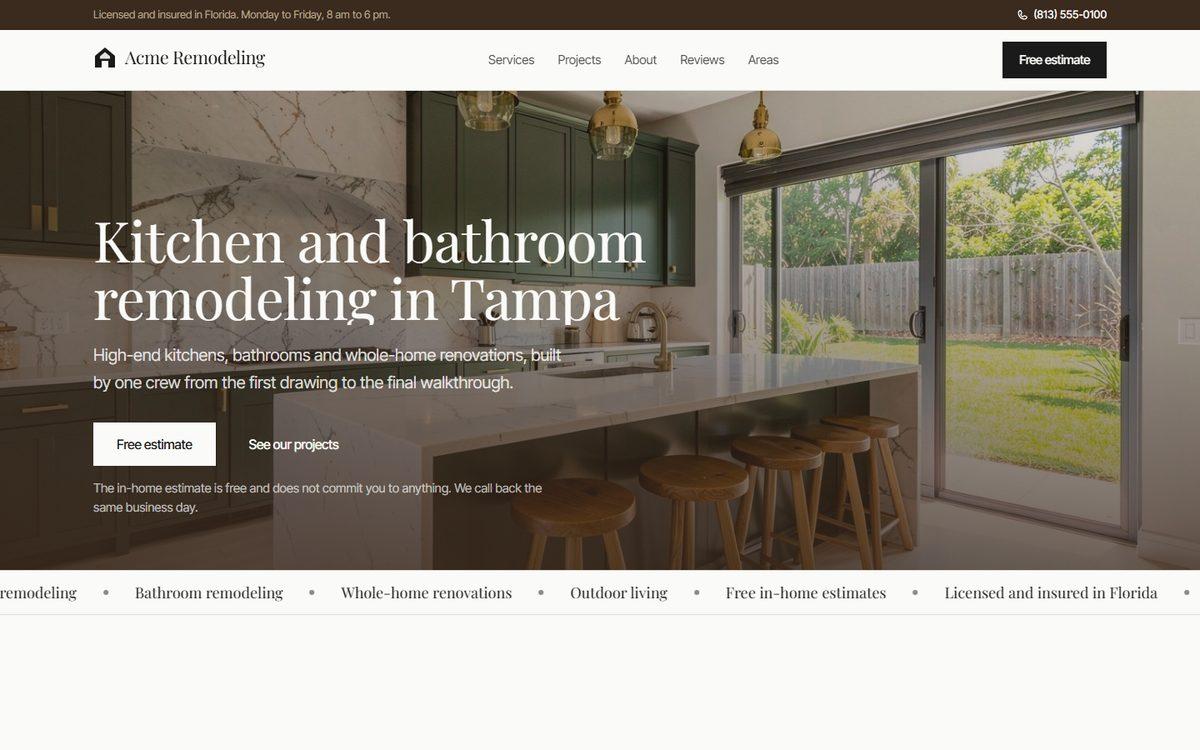
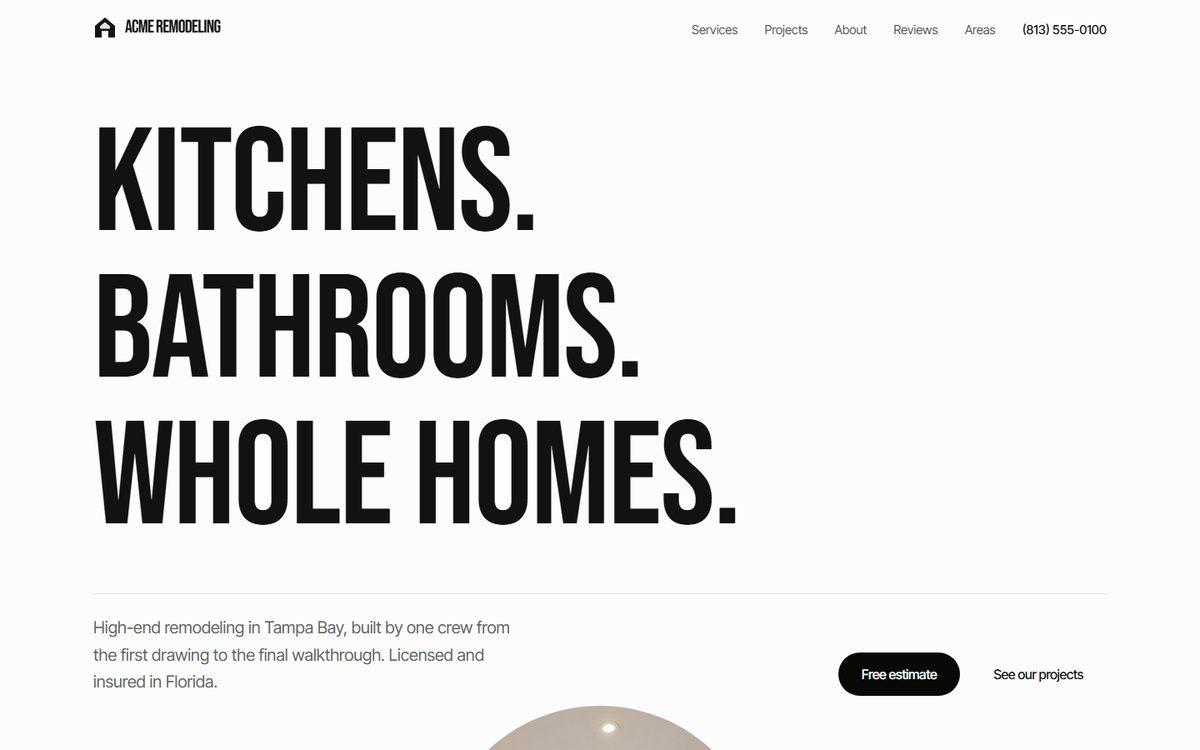
Three condensed uppercase words as the whole first screen, then projects piling up on black.
In Claude, say: “I want the Noir template.”
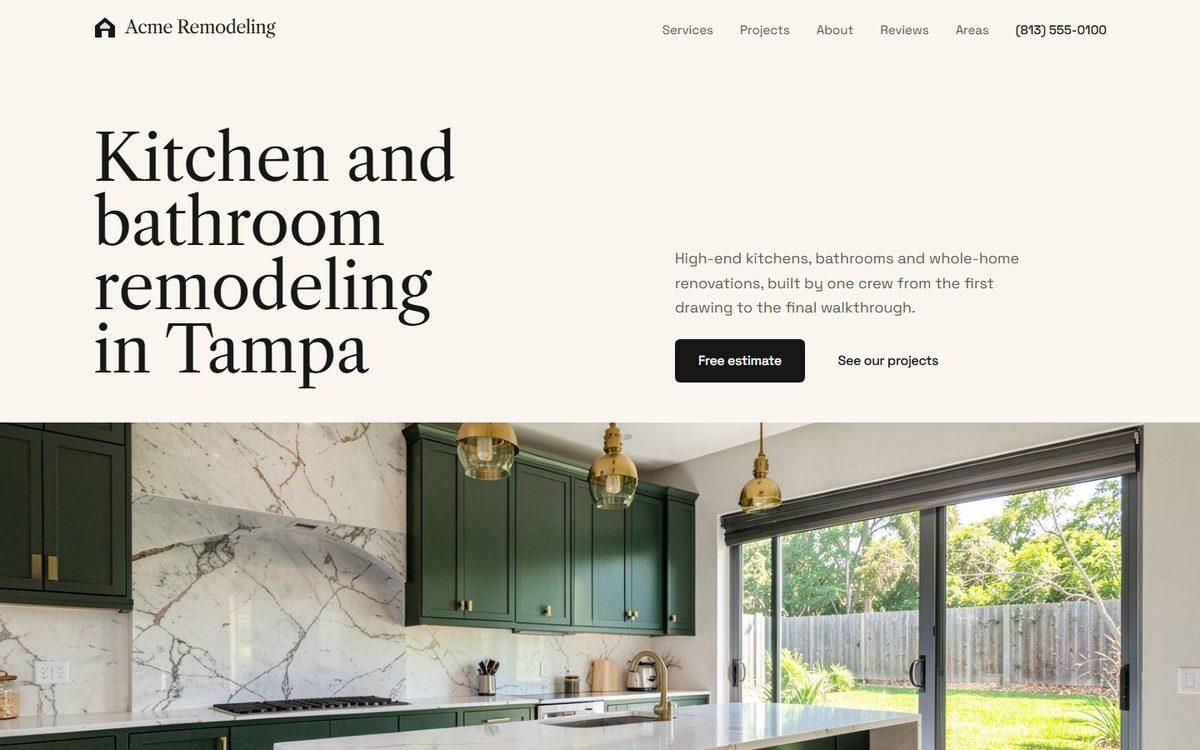
Parchment paper, a classic serif with a grotesk for text; a magazine feel with numbered services.
In Claude, say: “I want the Editorial template.”
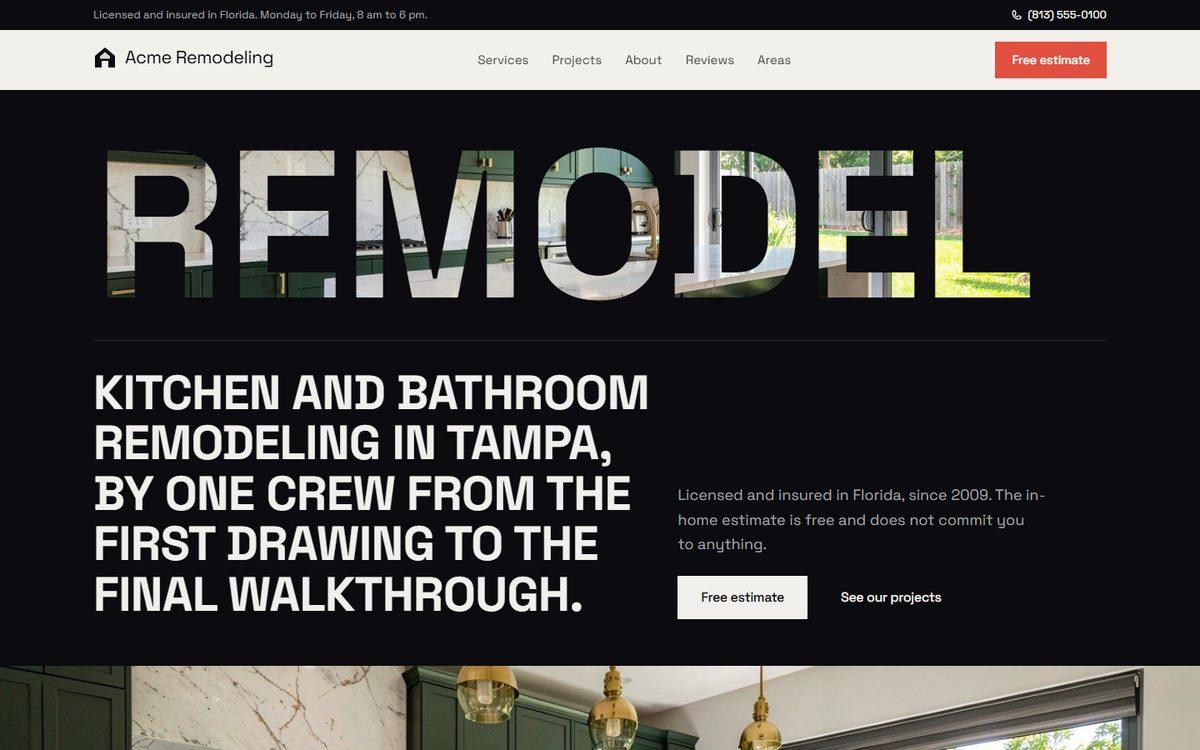
Visible borders, a signal red, uppercase grotesk; a huge word masked with your photo on black.
In Claude, say: “I want the Industrial template.”
Black and white studio: huge bold words, a collage of projects on black, photos in grey until hovered.
In Claude, say: “I want the Atelier template.”
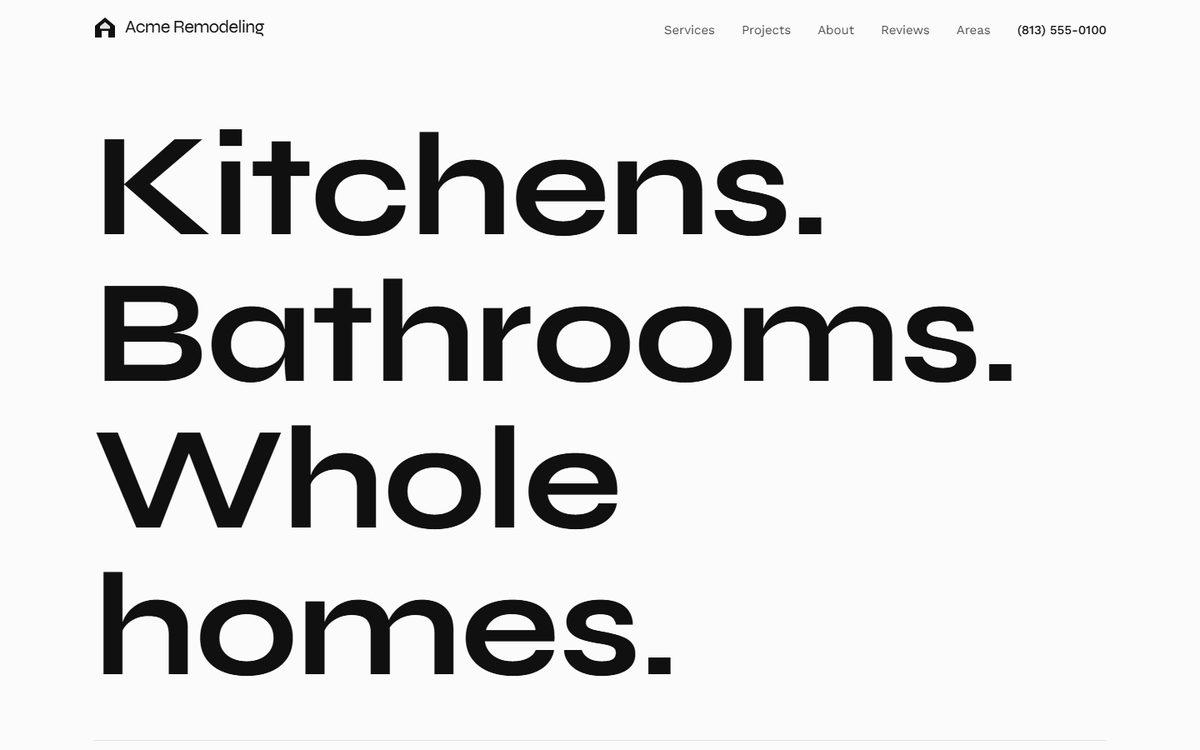
Stone paper, sage surfaces and a light serif; the patio fills the screen, a deep green band mid-page.
In Claude, say: “I want the Sanctuary template.”
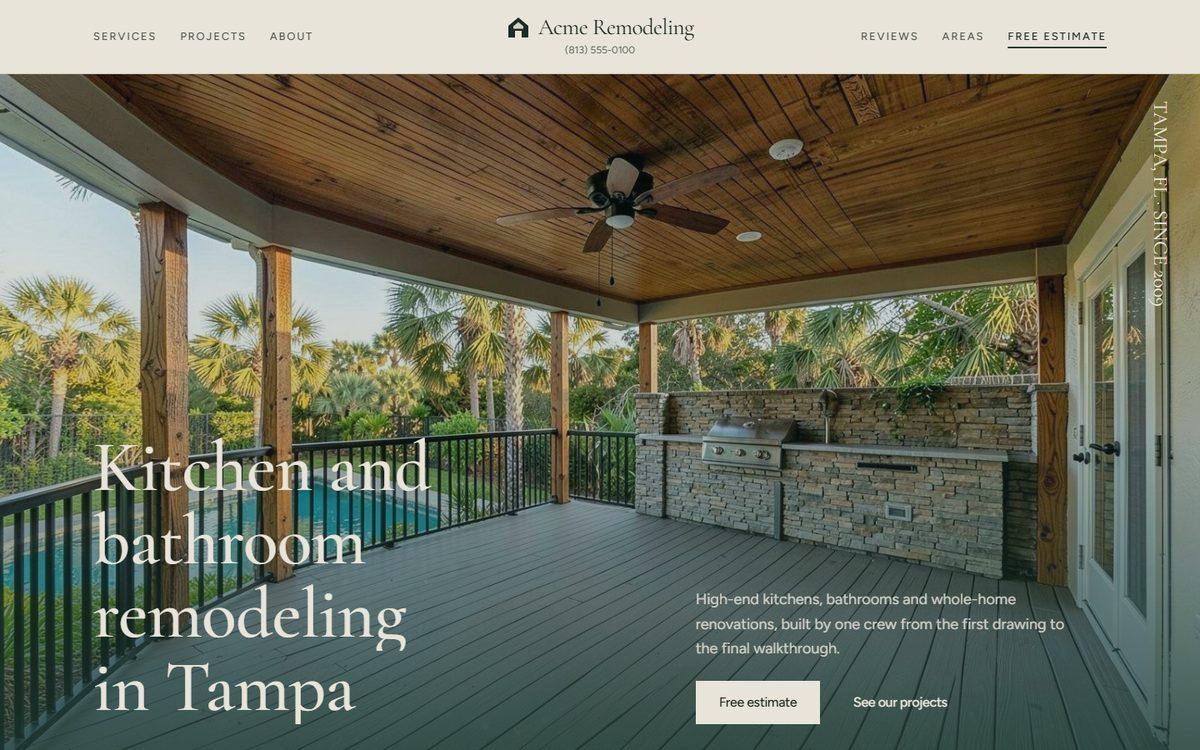
Sand-yellow paper with one orange; the living room fills the first screen, projects as a hover list.
In Claude, say: “I want the Sand template.”
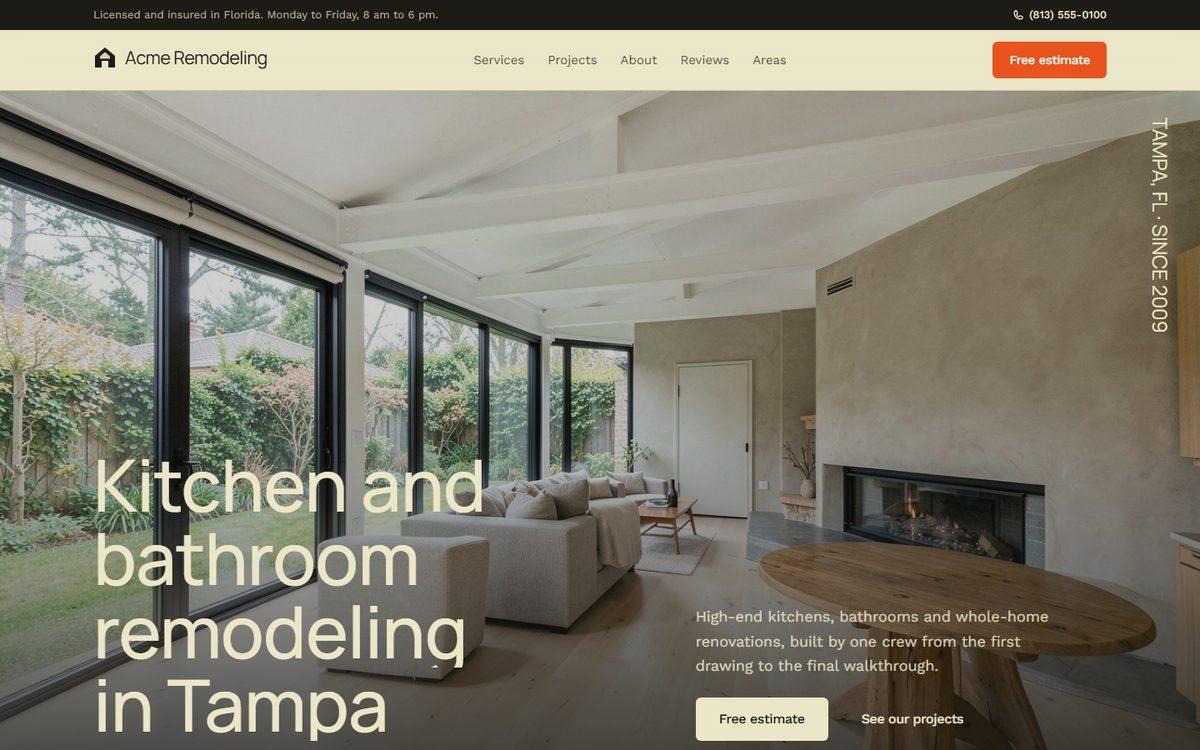
Condensed uppercase type and a collage of rooms at different heights; a teal band for the reviews.
In Claude, say: “I want the Bold template.”
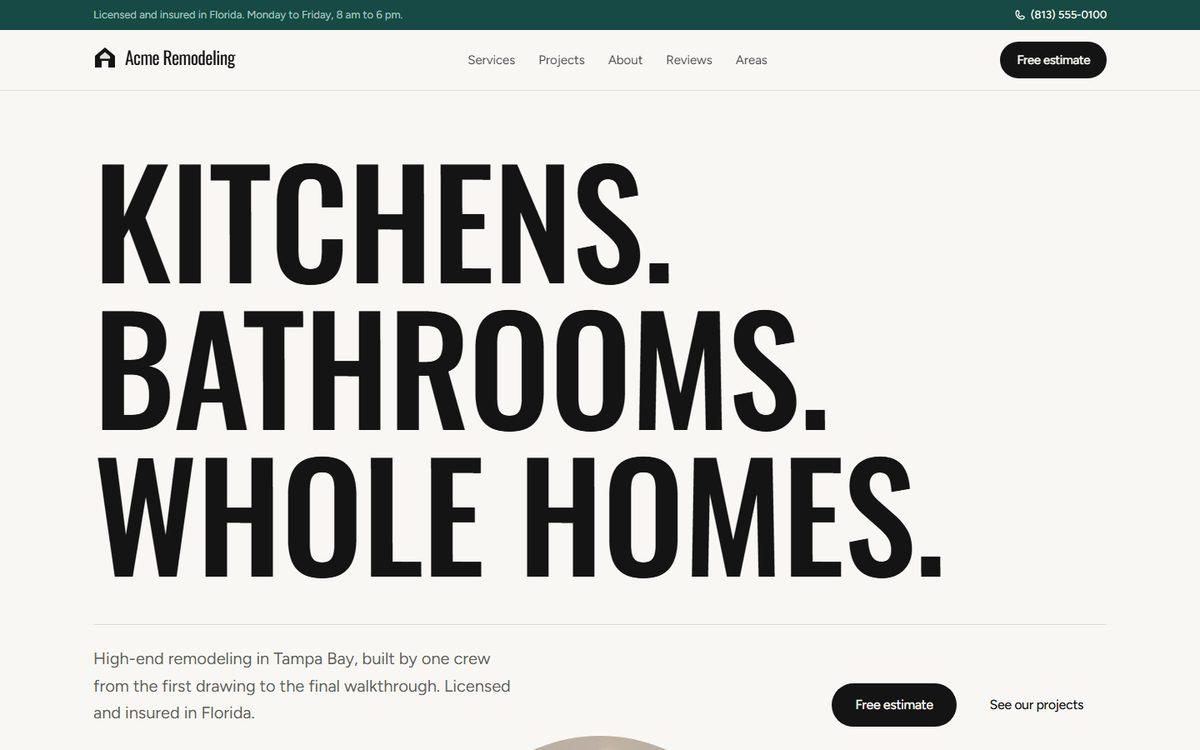
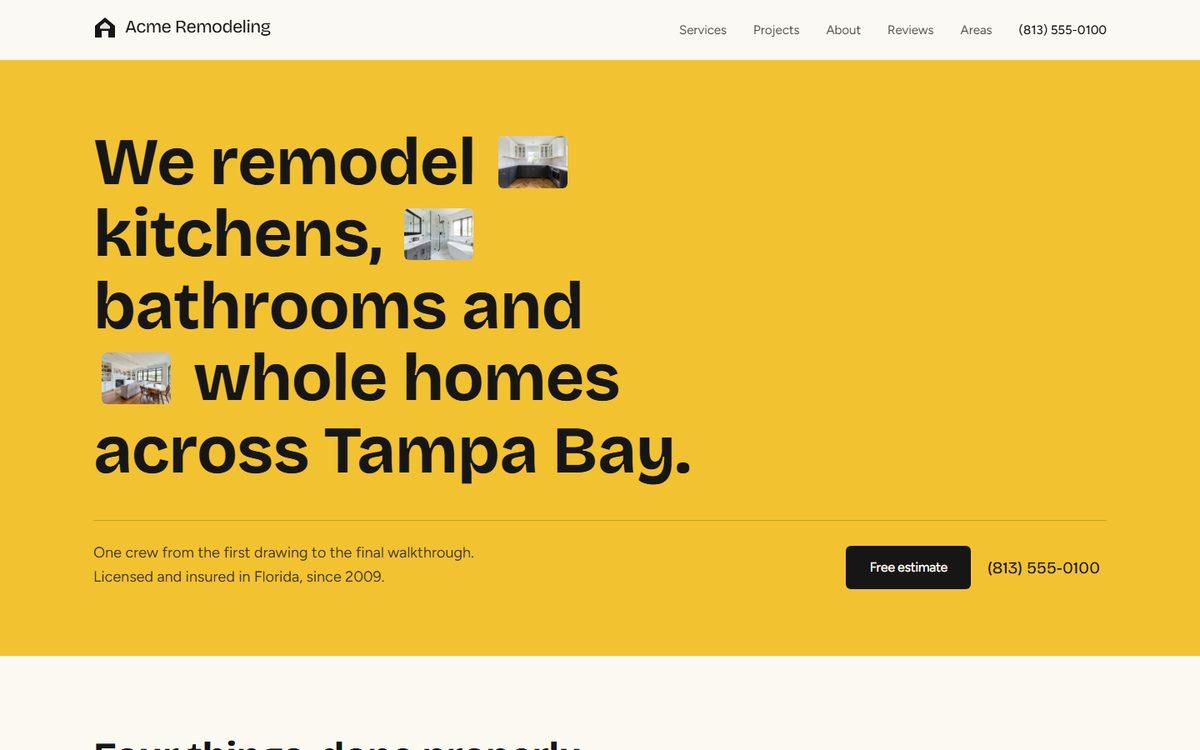
A yellow first screen with your photos inside the sentence, drawn underlines under every title.
In Claude, say: “I want the Sunlit template.”
Warm paper, a light serif and coral as the one warm note; a navy band for the estimate form.
In Claude, say: “I want the Waterfront template.”